it stays private
The picture is read here in your browser. It is never sent to a server, stored, or logged. What you convert is your business.
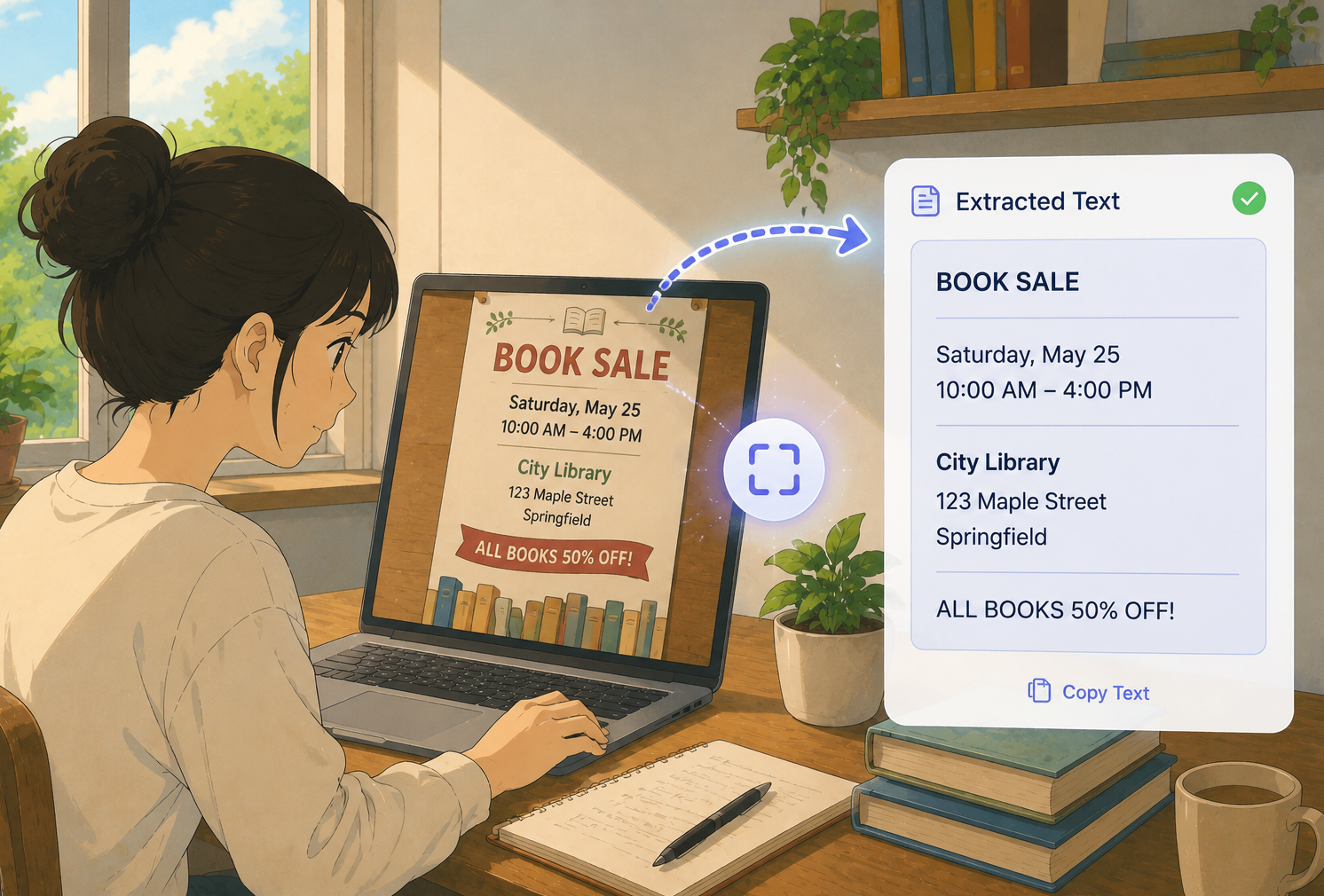
Screenshots, scanned pages, receipts, photos of notes. Drop one in and read the words back as clean, editable text. No signup, no fees, and your picture never leaves your device.
drop image here
or click to browse your files
JPG, PNG, WEBP up to 15 MBreading your image...
0% done
nothing uploaded. reading happens on your device.
// three steps
Choose a JPG, PNG or WEBP from your phone or computer. A screenshot, a snap of a page, a receipt, anything with words on it.
The reader scans the picture and types out everything it finds. A progress bar shows how far along it is.
Touch up any odd letter, then copy the text to your clipboard or download it as a plain text file.
// why people use it
The picture is read here in your browser. It is never sent to a server, stored, or logged. What you convert is your business.
Reading starts the second you drop a file in. Most everyday pictures are done in a few seconds with a live count.
Printed words across a wide set of languages and scripts come through, not only plain English text.
The result lands in a normal text box. If a character looks off, just fix it before you copy or save.
You do not need an account or an email. There is no daily cap. Open the page and convert as much as you want.
Phone, tablet or laptop, it makes no difference. Tap the box to grab a photo from your camera roll and go.
// questions
Drop your picture on the box near the top of this page, or click it to choose a file. Within a few seconds you get the words back in a box you can edit, copy, or download.
JPG, PNG and WEBP up to about 15 MB. For the best reading, use a sharp picture where the writing is clear and not too small.
No. The reading happens inside your browser, so the file never leaves your device. Nothing is stored on our side.
Clean printed writing usually comes out very well. Handwriting, fancy fonts, blur or odd angles can trip it up, which is why you can edit the result before saving.
No. It is free, with no account and no usage cap. Use it as often as you like.
Drop an image and get clean, editable text in seconds.
Open the converter